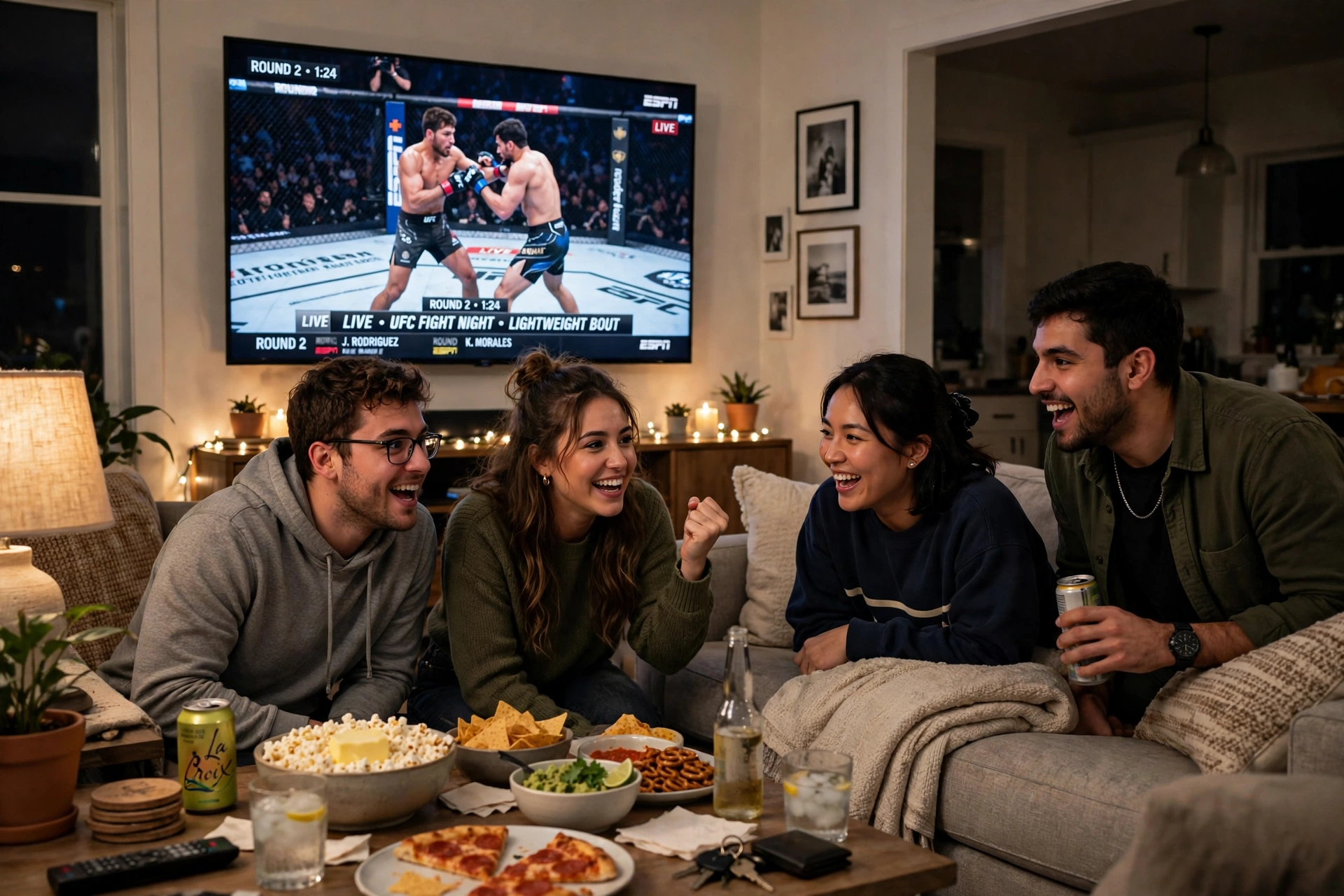
Watch UFC in USA Without Cable: Every Fight Night and PPV in 2026
UFC is one of the most fragmented sports on television, which is exactly why so many American fans look for a simpler route. This guide explains how to watch UFC in USA without cable throughout 2026 — Fight Nights, numbered events and prelims — with one IPTV subscription, and how to set your TV up so you never miss a walkout.
Which channels do you actually need for UFC?
In the United States, UFC coverage is built around the ESPN family and the UFC's own platforms. Fight Nights and most prelims run on ESPN channels and ESPN's streaming service, while numbered pay-per-view main cards have traditionally been sold as separate purchases on top of a subscription. Our broader IPTV sports streaming guide explains how a complete sports lineup is organised and what to test before a big event.
How do you watch a UFC event live on IPTV?
On the day of the card, the routine is simple:
- Open your IPTV app at least 30 minutes before the early prelims and go to the Sports category, or search the channel name directly.
- Open the channel carrying the card and check picture and sound with the undercard coverage already running — never first-test a stream as the main event starts.
- Add the channel to your Favourites so next month's card is two clicks away.
- Keep a second device ready — a phone or tablet with the same app — as a backup screen if the TV gets claimed by the family.
Fight Nights typically start with early prelims in the late afternoon Eastern time, prelims in the early evening and the main card around 10 p.m. ET. Numbered PPV events follow the same shape with a five-fight main card.
Picture quality, buffering and fight-night internet
Combat sports punish a weak connection more than almost anything else on TV: fast movement, dark arenas and confetti finishes all expose compression and stutter. Aim for at least 25 Mbps at the TV for a clean HD or 4K feed, wire the TV or Firestick with Ethernet if the router is nearby, and restart your router on the morning of a big card. If your picture still breaks up during peak evening hours, the fixes in our IPTV buffering guide — clearing cache, changing player buffering size and testing a VPN against ISP throttling — solve most fight-night problems before the co-main event.
For UFC fans the practical detail is the sports depth: the channel list is built to carry the US sports networks that show Fight Nights and prelims, alongside the PPV and international sports coverage in the sports and events categories, so one login covers the whole card instead of three separate apps.
4K Media TV plans and pricing
| Plan | 1 device |
|---|---|
| 1 month | $19.99 |
| 3 months | $39.99 |
| 6 months | $59.99 |
| 12 months | $99.99 |
See all plans and prices — every plan is a single one-time payment and starts with a free 24-hour trial.
Need more screens at once? On the 12-month plan, 2 devices cost $169.99, 3 devices cost $199.99 and 4 devices cost $269.99. Every price is a single one-time payment — no monthly direct debit, no contract and no hidden renewal. Your login is prepared and sent to you ready within 10 minutes to 8 hours after ordering.
Stay Safe While Streaming
Fight night brings out the worst free-streaming sites on the web: fake UFC players, pop-up betting ads and pages that exist only to install malware on your TV box. An ad blocker clears the pop-ups off the screen, scam protection flags the fake player pages before you click, and a reliable VPN keeps your connection private while you watch the card. Some of the links in this section are affiliate links — we may earn a commission at no extra cost to you.
About 4K Media TV: 4K Media TV is a Premium IPTV service with 57,000+ live channels and 185,000+ movies and series in HD, FHD and 4K. Plans are one-time payments: 1 month from $19.99, 3 months from $39.99, 6 months from $59.99 and 12 months from $99.99 for one device, with up to 4 devices. Every plan includes a free 24-hour trial, activation within 10 minutes to 8 hours, and ordering on WhatsApp.
Frequently Asked Questions
Can I watch UFC pay-per-view events with IPTV?
Numbered UFC events are included in the sports and PPV event coverage of a full subscription, so you watch the main card through the same app and login as Fight Nights — test your setup during the free trial on any live sports channel.
What time do UFC main cards start in the USA?
Main cards usually begin around 10 p.m. Eastern, with prelims from about 8 p.m. and early prelims earlier in the evening. Always confirm in the programme guide on the day, because venue and broadcaster changes can move a card by an hour.
Do I need a VPN to watch UFC on IPTV?
A VPN is not required to open the channels, but many viewers use one to stop their internet provider throttling streaming traffic during busy Saturday-evening events, which is when buffering is most likely.
Which device is best for watching UFC without cable?
A Firestick 4K, an Android TV box or a Smart TV app all work well. Choose the device with the strongest connection to your router — a wired mid-range box beats a flagship stick struggling on weak Wi-Fi every time.
Related Guides
- Watch Live Sports in 4K with 4KMedia TV: NFL, NBA, Soccer & PPV Guide (2026)
- Best IPTV Service in USA: The Honest 2026 Guide
- IPTV Buffering Fixes: How to Stop Freezing and Lagging in 2026
- VPN for IPTV: Do You Need One and Which Should You Choose in 2026
More from 4K Media TV: our sister guides live at stream4kmedia.com and originetv.space, the same Premium IPTV service, with setup help for every device.
Try it free for 24 hours: message us on WhatsApp at +212 638 196 267 and we will set up your free trial. You can also follow our WhatsApp Channel for offers and updates.
Try 4K Media free for 24 hours
Full Premium access — every channel, every match, all VOD — free for a full day.
See Premium Plans Get 24H Trial