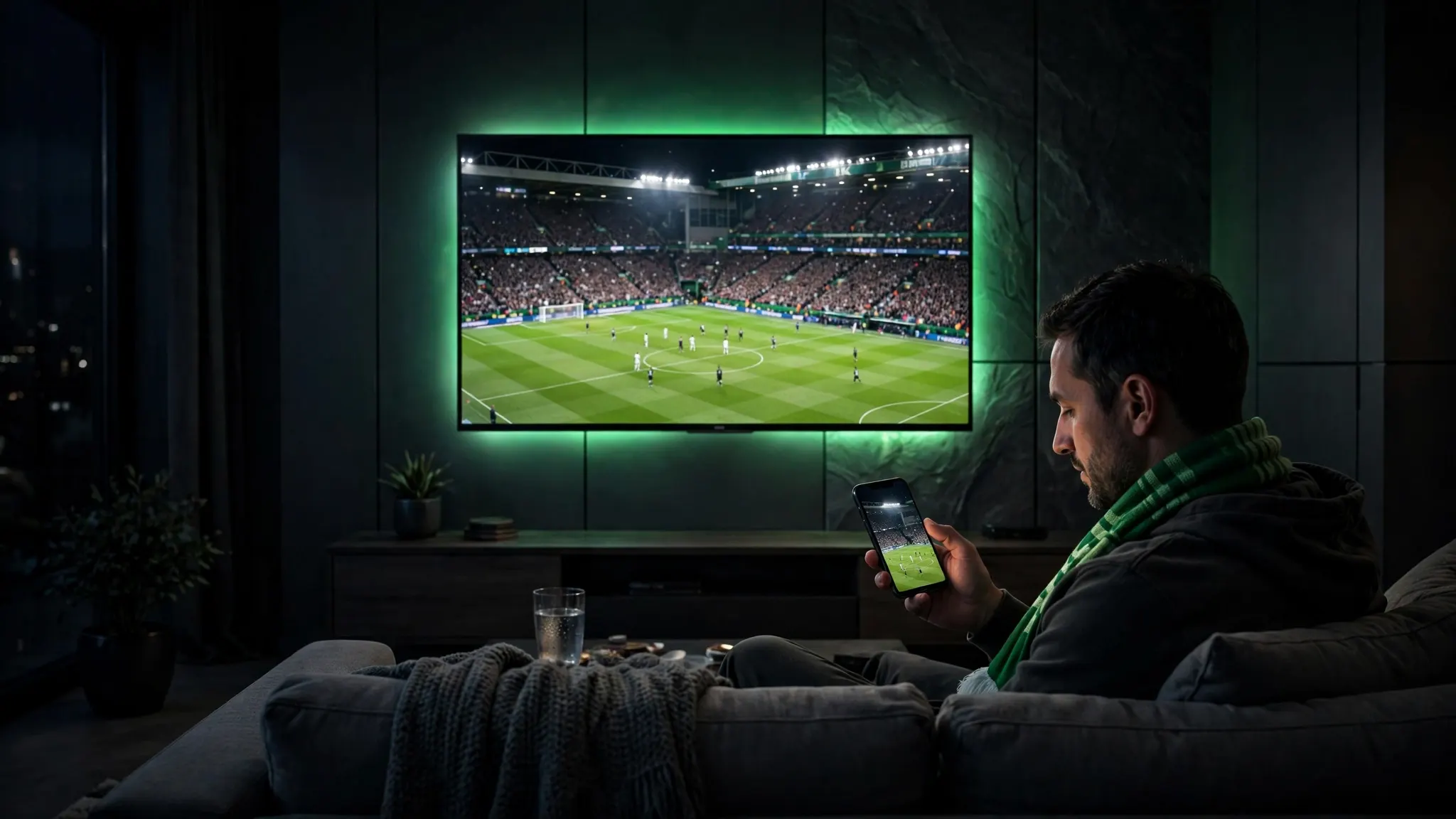
Watch Live Sports in 4K with 4KMedia TV: NFL, NBA, Soccer & PPV Guide (2026)
Live sport is the hardest test any streaming service faces — and the reason so many fans are switching to 4KMedia TV. A movie can pause and recover without ruining anything, but a frozen screen during a last-minute touchdown or a penalty shootout is gone forever. 4KMedia TV, the sports-first side of 4K Media IPTV, is built around exactly that moment: live channels in sharp 4K and FHD, anti-freeze streaming that holds up when millions tune in at once, and the big US and international leagues in one place, with no cable box and no long contract. This guide explains what sports fans should look for, which leagues and channels to expect, and how to set everything up before the next big game.
Why Sports Fans Are Switching to 4KMedia TV
Cable was never designed for the way people watch sport now. Fans follow teams in different time zones, watch on phones during commutes, and expect to rewind a controversial play the second it happens. A streaming service like 4KMedia TV answers all three habits at once. The same subscription works on the living-room TV, a tablet in the kitchen and a phone at the airport, so the match follows you instead of the other way round. There is no dish to install, no receiver to rent and no twelve-month lock-in — you pick a plan length, activate it, and you are watching, usually within minutes. For US fans who have been paying cable prices mostly for the sports package, that difference is the whole story.
The Leagues and Channels 4KMedia TV Sports Fans Ask For
Every fan's list is different, but the requests we hear most often cover the same core lineup:
- American football — NFL Sundays, Monday and Thursday night games, college football and the playoffs through to the Super Bowl.
- Basketball — the full NBA regular season and playoffs, plus college basketball and March Madness.
- Soccer — the Premier League, La Liga, the Champions League, Serie A, MLS and international tournaments, alongside the US sports networks that carry them.
- More live action — MLB baseball, NHL hockey, UFC and boxing PPV events, Formula 1, golf majors and tennis Grand Slams.
- The channels behind them — the major US sports networks and regional sports channels, plus international sports channels for fans following teams abroad.
If you mainly want the full US channel picture, our IPTV USA guide walks through the American lineup in detail. The practical tip: before any subscription, write down the five channels you actually watch every week and test exactly those during the trial — a long channel list means nothing if your team's games are not on it.
What Makes a Good Sports Streaming Service
Sport exposes weak streaming faster than any other content. These are the qualities that separate a service fans renew from one they cancel after the first big match:
- Real 4K and FHD quality with smooth motion. Fast pans across a pitch turn blurry on low-quality feeds. Look for genuine 4K and Full HD channels and a stable frame rate, so the ball stays sharp in flight.
- Low delay. A stream that runs a minute behind live play means group chats and stadium noise spoil goals before you see them. Good sports services keep the delay as small as streaming allows.
- Anti-freeze capacity at peak time. The true test is not a quiet Tuesday — it is the Super Bowl, a World Cup final or a PPV main event, when everyone streams at once. Servers built for those peaks are what you are paying for.
- A working program guide. With hundreds of sports channels, a fast, accurate EPG (electronic program guide) is how you find a 7 p.m. kickoff in seconds instead of scrolling for ten minutes.
- Catch-up and replays. West-coast fans and shift workers cannot always watch live. Catch-up TV lets you replay the full match later the same day.
- Every device covered. TV at home, phone outside, tablet in bed — one login should handle all of them, which is exactly how our IPTV on multiple devices plans are structured.
How to Set Up 4KMedia TV Before Match Day
Setup takes about ten minutes, and doing it a day before a big event — not ten minutes before kickoff — is the one piece of advice we give every new sports fan:
- Start the free trial or pick a plan. Message us on WhatsApp and your login is activated, ready within 10 min – 8H. The 24-hour trial is long enough to cover a full evening of live games.
- Install a player app on your device. Firestick, Android TV, Smart TV, phone or tablet all work. Our device guides cover each platform step by step, starting with the most popular: IPTV on Firestick.
- Sign in and build your favorites list. Add your teams' channels to favorites so match day is one click, not a search.
- Test with a live game, not a movie. Watch at least fifteen minutes of any live match at the same time of day as your big event. That is when your home network behaves the same way it will on the night.
- Check the guide and catch-up. Confirm kickoff times display correctly in your timezone and that yesterday's match is available on catch-up.
Picture Quality and Speed: Getting the Match in True 4K
A 4K badge on the channel only helps if your connection delivers it. As a rule of thumb you need a steady 25 Mbps for a single 4K stream and around 10–15 Mbps for smooth FHD. Run Ookla Speedtest on the device you watch on, at the time you normally watch — evening speeds are the honest ones. The FCC's household broadband guide is a useful neutral reference for what different activities actually require. Our internet speed for IPTV guide goes deeper, and if a stream ever does freeze, the IPTV buffering fixes solve most causes in minutes: wired connection where possible, 5 GHz Wi-Fi, and a quick router restart before the game, not during it.
Frequently Asked Questions
Can I watch PPV events with 4KMedia TV?
Yes — major PPV events such as UFC and boxing cards are part of the sports offering, so there is no separate per-event purchase on top of your subscription. Test one live event during your trial if PPV is the main reason you are switching.
What if a game starts while I am away from home?
Start it on your phone or tablet from anywhere with a good connection, then continue on the TV when you get home. Plans with 2–4 devices make that handoff simple, and catch-up covers anything you missed entirely.
How much does it cost compared with a cable sports package?
4K Media Premium starts at $19.99 for 1 month on 1 device — a one-time payment with no equipment rental and no contract. Longer plans lower the monthly cost further, and every plan includes the full sports lineup.
Ready for the next big game? Start with the free 24-hour trial on a live match night and judge the picture under real pressure. See our Premium pricing for all plan lengths and device options, browse the homepage FAQ for quick answers, or check the official NBA watch options to compare how the leagues themselves sell streaming access.
Sources & further reading
Try 4K Media free for 24 hours
Full Premium access — every channel, every match, all VOD — free for a full day.
See Premium Plans Get 24H Trial